
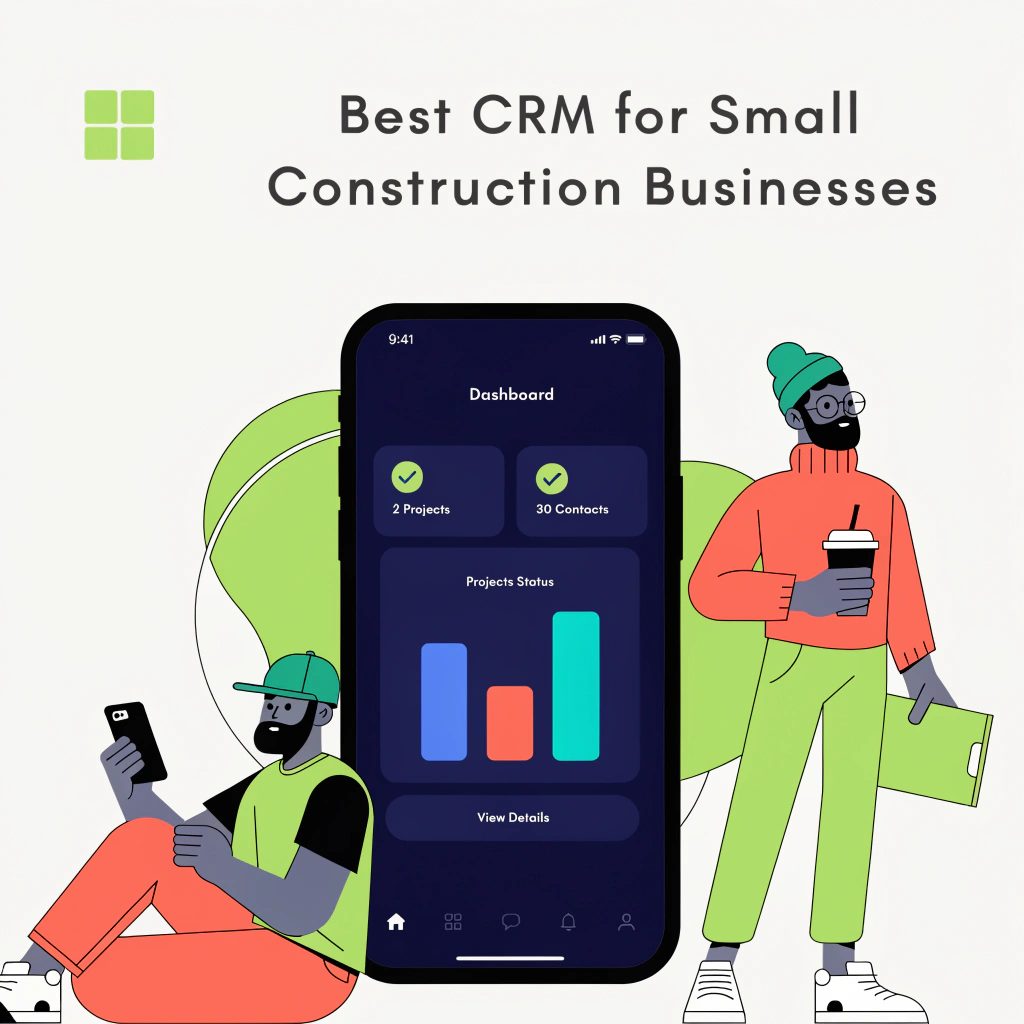
Small construction businesses handle many moving parts every day. Leads come from calls, referrals, and site visits—projects run across weeks or months. Teams work on-site while managers track progress from the office.
This setup creates one common problem. Information gets scattered. Follow-ups get delayed, which is a big problem in the industry.
Many owners search for the best CRM for small businesses in the construction sector to fix this. They want a system that tracks leads, manages projects, and maintains clear communication.
Off-the-shelf tools help to a point. Real progress comes from systems that match how construction teams actually work. This article explains what to look for, what works in real cases, and how custom solutions solve common gaps.
How Did We Build CRM Systems for Small Construction Businesses That Actually Worked?
We have worked with several small construction firms that faced similar issues. They used spreadsheets, phone calls, and scattered tools to manage leads and projects. Over time, this created confusion and missed opportunities.
With experience in real estate CRM and lead generation systems, here are a few real examples by us at Impala InTech.
Case 1: Local contractor struggling with lead tracking
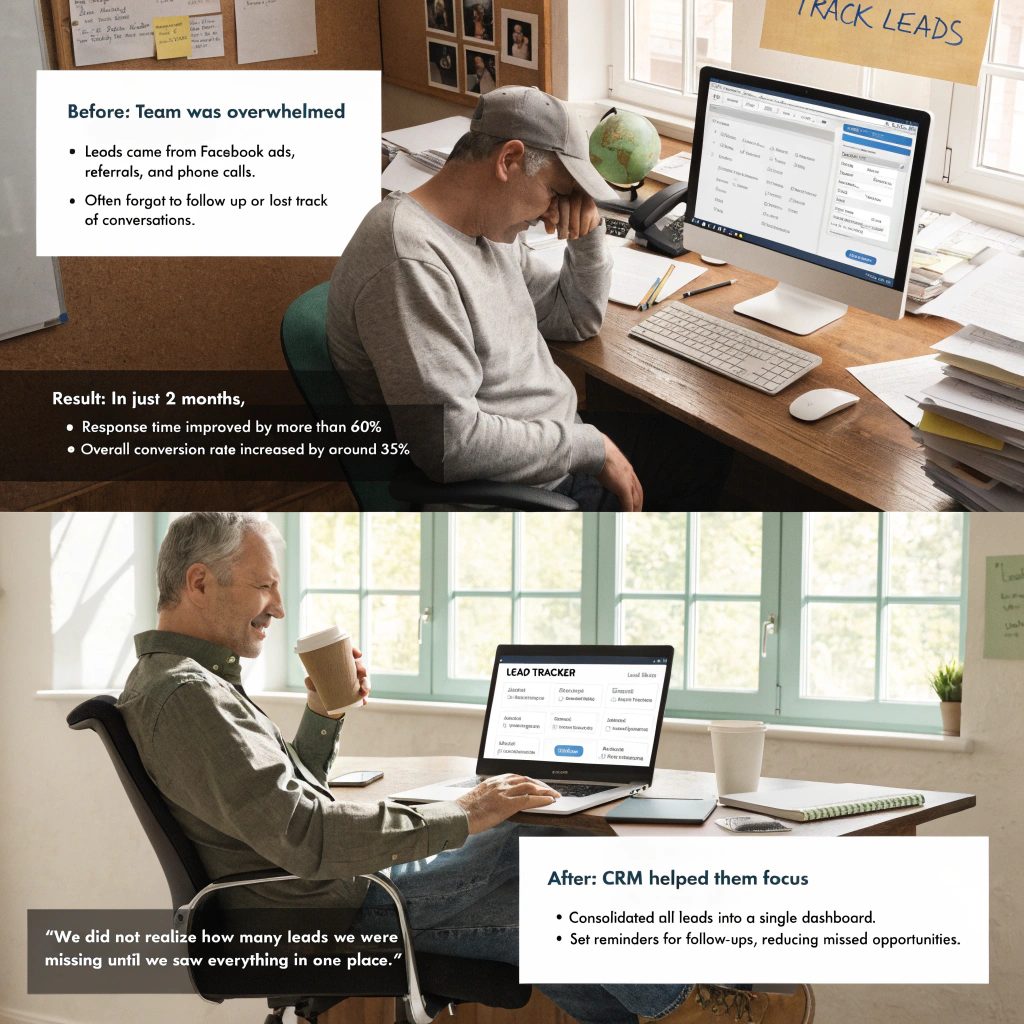
This client received leads from Facebook ads, referrals, and phone calls. None of these sources connected. The team often forgot to follow up or lost track of conversations.
We built a simple CRM that consolidated all leads into a single dashboard. Each lead included contact details, project type, and budget range. The system also sent reminders for follow-ups.
Within two months, their response time improved by more than 60%. They started converting more inquiries into site visits. Their overall conversion rate increased by around 35%.
The owner shared:
“We did not realize how many leads we were missing until we saw everything in one place.”
Case 2: Small Construction Firm With Project Communication Issues
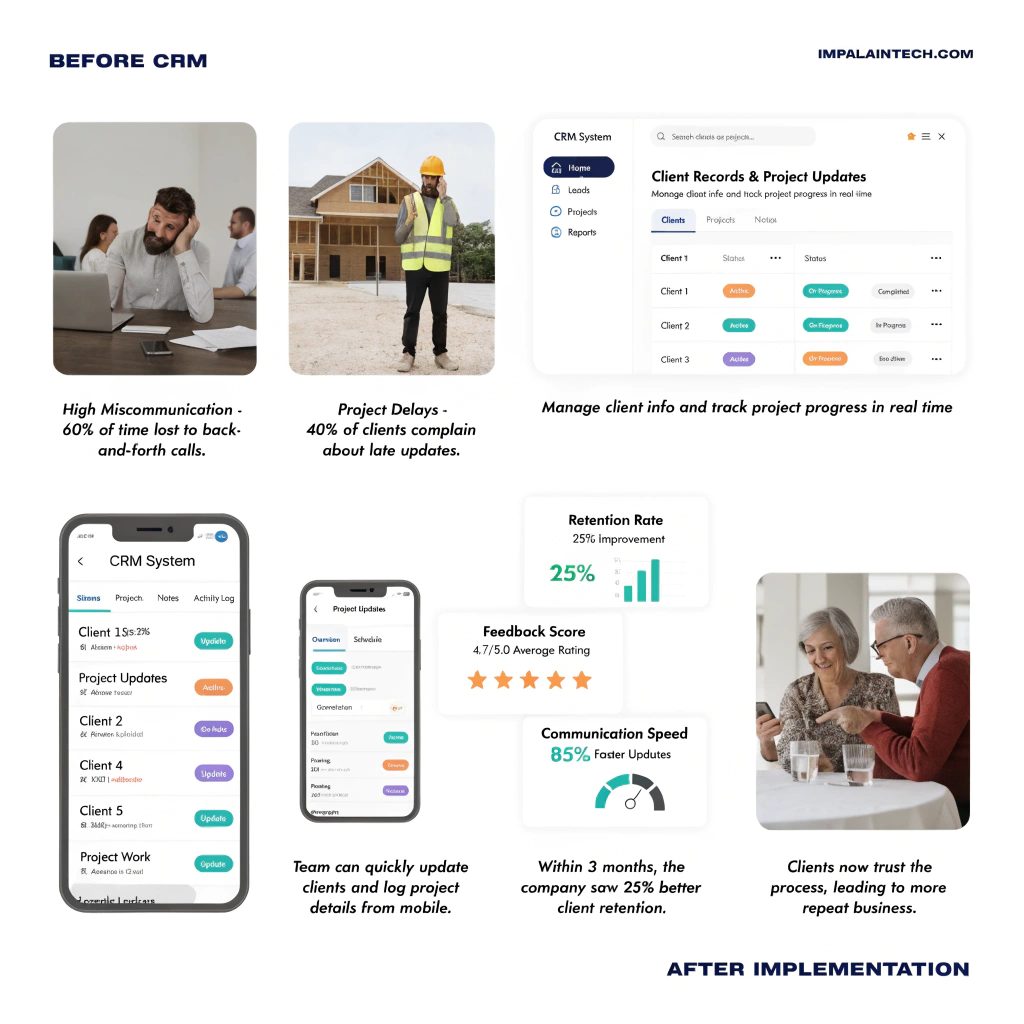
This company handled multiple projects at once. Their team struggled to keep track of client updates, site progress, and internal communication.
We built a CRM that combined lead tracking with project updates. Each client record included job status, notes, and communication history. The system also allowed quick updates from mobile devices.
The result showed within weeks. Miscommunication dropped. Clients received timely updates. Repeat business increased because clients trusted the process.
They reported a 25% improvement in client retention within the first quarter.
Case 3: Renovation Business With No Structured Sales Process
This business relied heavily on referrals. They had no clear sales pipeline. Deals moved forward based on memory and manual notes.
We created a structured pipeline with clear stages, from inquiry to project completion. The system guided the team on what to do next at each step.
This brought consistency. The team handled more leads without increasing staff. Their closing rate improved by nearly 40% over three months.
What Are the Essential Features of a CRM for Small Construction Companies?
Construction businesses need practical features that support both sales and project flow. A complex system often slows teams down. Therefore, finding the best but cheap CRM system for startups often makes things worse.
A useful CRM should include lead tracking, job management, and clear communication tools. These features help teams stay organized without extra effort.
Lead tracking keeps all inquiries in one place. Teams can see where each lead came from and what actions have been taken.
Project tracking connects sales with execution. Once a deal closes, the same system should track job progress, deadlines, and updates.
Communication history helps teams stay aligned. Every call, message, and update stays recorded, which reduces confusion.
Mobile access also plays a key role. Many construction teams work on-site, so they need quick access to data from their phones.
What Are the Top-Rated CRM Software Tailored for Small Construction Firms?
Several CRM tools support small construction businesses. Each one offers different strengths.
| CRM Tool | Best For | Notes |
|---|---|---|
| JobNimbus | Contractors | Strong project and lead tracking |
| Buildertrend | Construction teams | Combines CRM with project management |
| CoConstruct | Custom builders | Good for client communication |
| HubSpot | General use | Flexible and easy to start |
| Zoho CRM | Small teams | Budget-friendly and customizable |
These tools provide a good starting point. Many businesses later extend them with custom features to match their workflow.
What Are Some CRM Platforms Designed Specifically for the Construction Industry?
Industry-specific platforms focus on job tracking and client communication. They often include features like scheduling, budgeting, and document sharing.
Tools such as Buildertrend and CoConstruct are built for construction workflows. They help manage both leads and projects in one place.
Still, many small businesses find that these tools include features they do not need while missing some they do. This creates a gap between what the system offers and what the business actually requires.
Custom solutions help close this gap by focusing only on relevant features.
How to Choose the Best CRM for a Small Construction Business?
Choosing the right system depends on your workflow and team size.
Start by understanding how your team handles leads and projects. Identify where delays or confusion occur. This helps you focus on the features that matter most.
Ease of use should be a priority. A simple system gets adopted faster and delivers results sooner.
Integration also matters. Your CRM should connect with your existing tools, such as email, ads, or accounting software.
Think about growth as well. A system that works today should still support your business as it expands.
Why Custom CRM Solutions Work Better for Construction Businesses?
Construction workflows differ from other industries. Projects involve multiple stages, site work, and ongoing communication.
Generic tools often fail to capture these details properly.
Custom CRM systems adapt to your exact process. They track leads, manage projects, and store communication in one place. This creates a smooth flow from first contact to project completion.
Another advantage is simplicity. Custom systems include only the features you need. This reduces confusion and improves team adoption.
How CRM Improves Lead Generation and Project Flow
A structured system improves both sales and operations.
Leads get tracked properly, which increases response speed. Faster response often leads to higher conversion rates.
Projects also run more smoothly because all updates stay in one place. Teams spend less time searching for information and more time completing work.
Over time, this improves both efficiency and client satisfaction.
Common Mistakes Small Construction Businesses Should Avoid
Many businesses face issues due to simple mistakes.
Some choose tools that are too complex for their team. Others rely too much on manual processes even after adopting a CRM.
Lack of training also causes problems. Teams need to understand how to use the system properly.
A simple and well-structured system usually performs better than a complex one that no one fully uses.
Final Thoughts
Finding the best crm for small business construction is not just about choosing software. It is about building a system that fits your workflow.
Small construction businesses benefit from clear lead tracking, structured processes, and consistent communication. These elements improve both sales and project execution.
Custom solutions help bring all of this together. They remove confusion, reduce manual work, and support steady growth.
FAQs

Is it possible to track project costs inside a CRM?
Basic cost tracking can be added, but full financial management may require integration with accounting tools.
How does a CRM support long project timelines?
It keeps all updates, notes, and communication in one place, which helps teams stay organized over long periods.
Can construction teams use CRM on-site?
Yes, most modern systems support mobile access, allowing teams to update and view data from job sites.